Getting started
Install the package and put a Word-grade editor in a React or Next.js page.
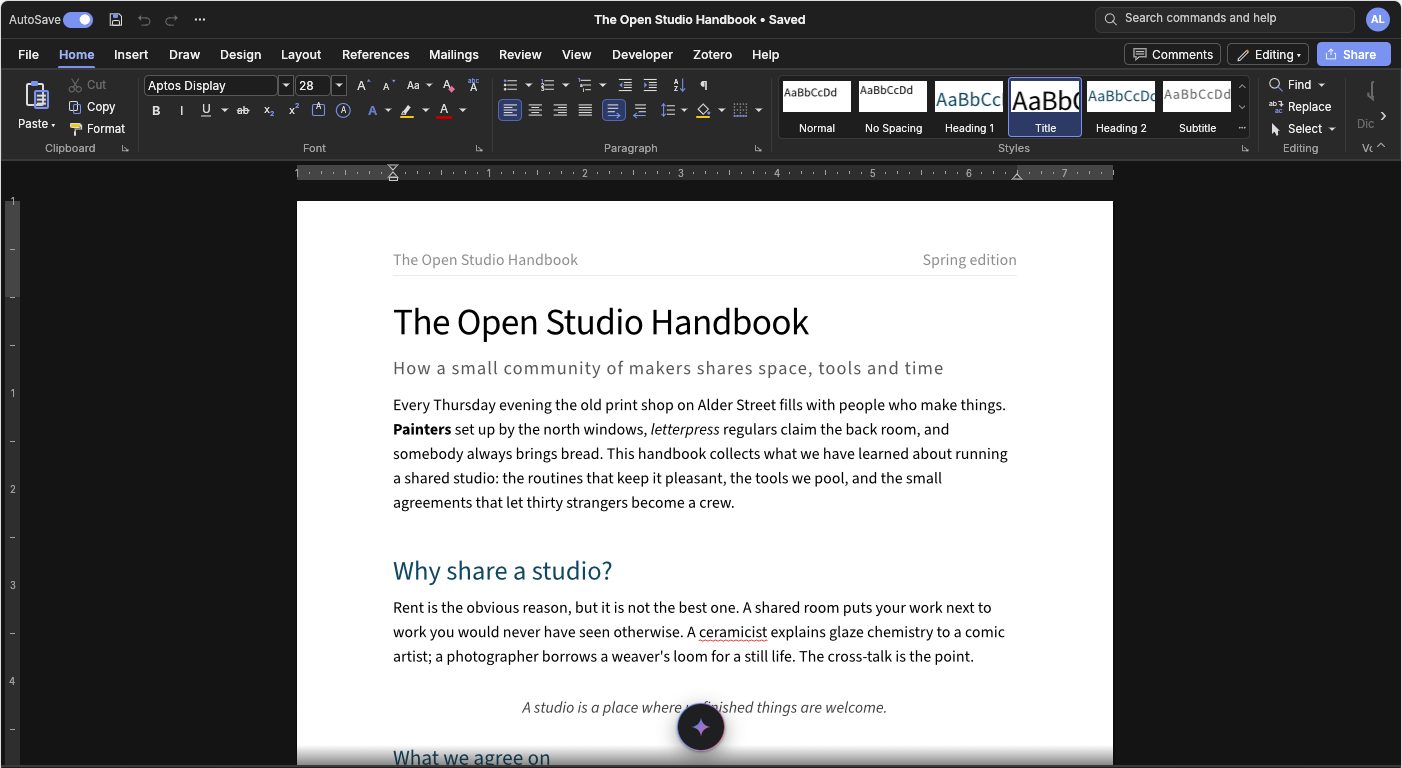
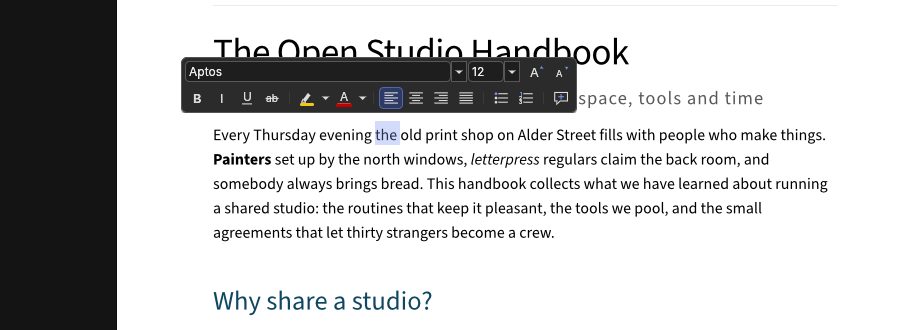
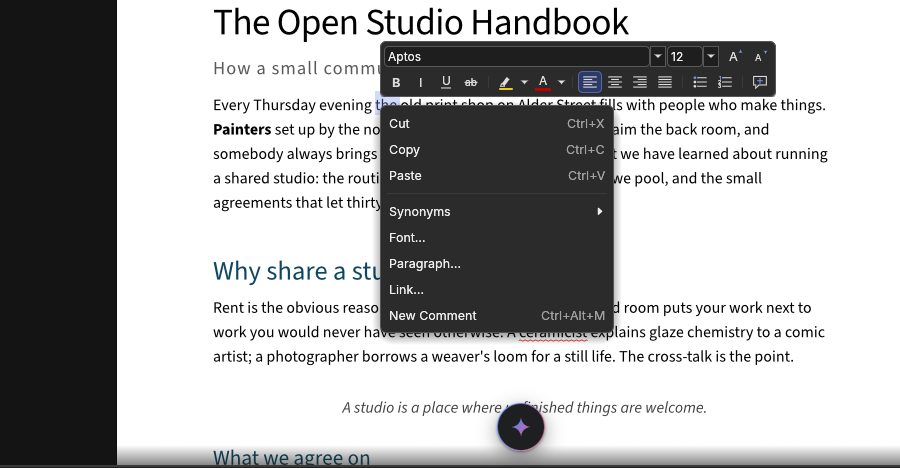
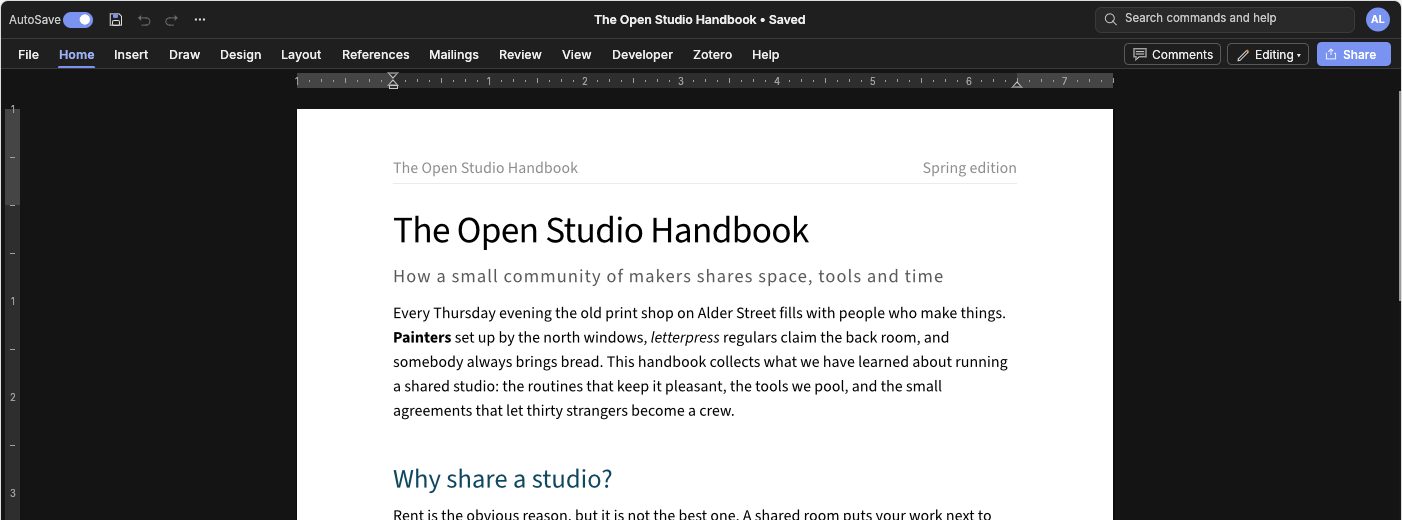
The full WordCraft editor in a React component: the ribbon, real pages, the mini toolbar and the right-click menu, saving through your app.
The WordCraft word processor, an open-source look-alike of Microsoft Word, packaged as an editor you can drop into React, Next.js or any web app, the way you would use TipTap or another WYSIWYG editor.
It isn't a re-implementation. The package ships the upstream WordCraft code itself (the ribbon, the dialogs, the page layout and the document engine), compiled from Rust to WebAssembly and pinned to one upstream commit. So what your users see is a 1:1 match with WordCraft's own web and desktop apps. What this package adds is the part an embedder needs: it mounts the editor in an element you own, gives you an API for documents and commands, and lets you handle saving instead of having the browser download a file.
'use client';
import { useRef } from 'react';
import { WordcraftEditor, type WordcraftEditorRef } from '@gamine/wordcraft-react';

export default function Editor() {
  const ref = useRef<WordcraftEditorRef>(null);
  return (
    <WordcraftEditor
      ref={ref}
      height={800}
      onSave={async (file) => {
        await fetch('/api/documents/42', { method: 'PUT', body: file.bytes });
      }}
    />
  );
}
Install
npm install @gamine/wordcraft-react
React 18 or 19 is a peer dependency, and only the React entry point needs it. The editor runs in any browser with WebGPU or WebGL2, which covers current Chrome, Edge, Firefox and Safari on desktop and mobile.
Using it with Next.js
The component is marked 'use client' and starts the editor inside an effect. On the server it renders only its sized container, so it works in the App Router and the Pages Router with no dynamic(() => import(...), { ssr: false }) wrapper. The .wasm file is loaded through new URL(..., import.meta.url), and webpack 5, Turbopack, Vite, Rollup and esbuild all emit it as a static asset automatically.
If you would rather serve the binary yourself (from a CDN, say, or from public/), copy node_modules/@gamine/wordcraft-react/wasm/wordcraft_embed_bg.wasm and pass wasmUrl="/wordcraft_embed_bg.wasm". Serve it as application/wasm with gzip or Brotli. Compression takes it from about 30 MB to about 12 MB with gzip, and less with Brotli. When a bundler emits the file, its name carries a content hash, so it can be cached indefinitely. If you copy it yourself, the name doesn't change between releases, so give it a cache lifetime that matches your deploys.
A complete example app lives in examples/nextjs. The documentation site, with a live demo of every feature, is at oliversolomon.github.io/wordcraft-react (source in site/).