Editor API
Load, export and script the editor through its ref, with the same commands as the ribbon.
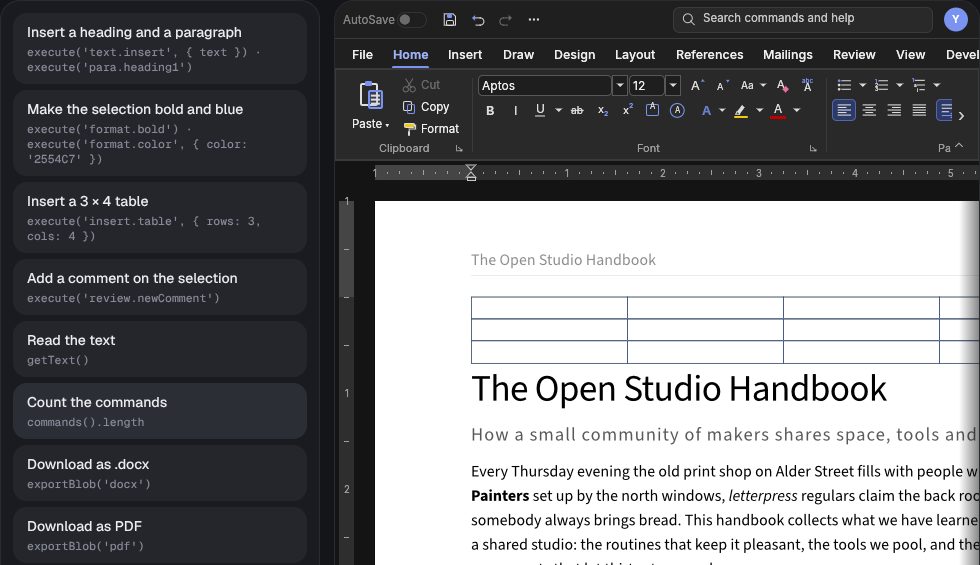
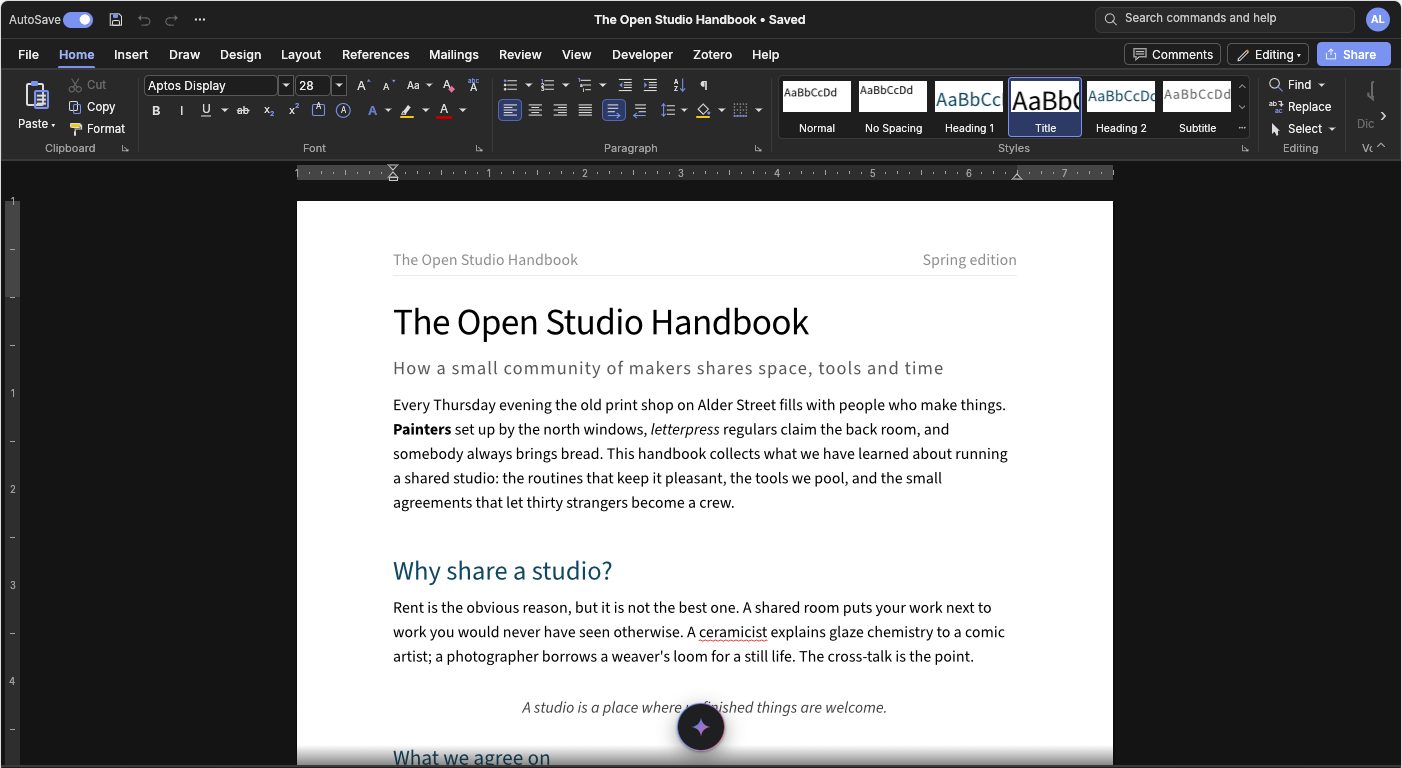
Everything the ribbon does is a command. Run them from code, read the text, and export to any format.
editor.load({ name: 'brief.docx', data: arrayBuffer });  // or a File from an <input>
editor.newDocument();
editor.export('docx');            // Uint8Array; also docm, dotx, odt, rtf, md, html, txt, tex, json, pdf, png
editor.exportBlob('pdf');         // Blob with the right MIME type
editor.getHTML(); editor.getMarkdown(); editor.getText(); editor.getSelectedText();
editor.execute('format.bold');    // any WordCraft command id
editor.execute('text.insert', { text: 'Hello' });
editor.commands();                // [{ id, label, location, shortcut, params, mutates }, ...]
editor.print();                   // the browser's print dialog, as File > Print does
editor.undo(); editor.redo(); editor.canUndo(); editor.canRedo();
editor.isDirty(); editor.markSaved(); editor.rev(); editor.title();
editor.getPrefs(); editor.setPrefs({ tab: 'Review', dark: true, hideTitleBar: true });
editor.getUser(); editor.setUser({ name: 'Ada Lovelace', color: '#c2410c' });
editor.isAutoSaving(); editor.setAutoSave(false);
editor.getMode(); editor.setMode('viewing');
editor.setTabs(['File', 'Home', 'Insert', 'Review']);
editor.setDisabledCommands(['mailings.*', 'file.open']);
editor.addFont(ttfBytes); editor.hasFont('Lato');
editor.restoreContent(versionBytes);   // replace the content with another version, one undoable step
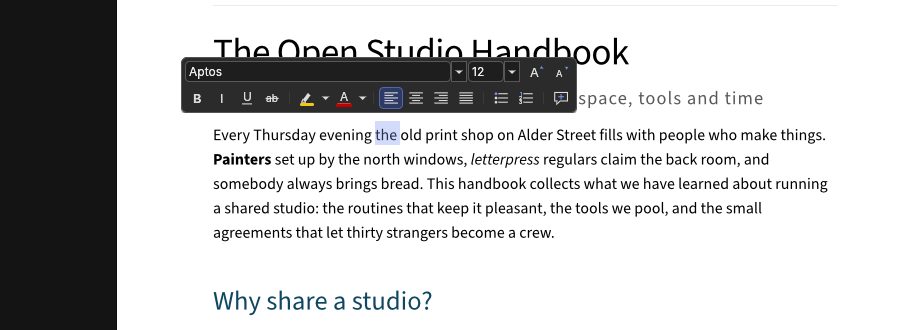
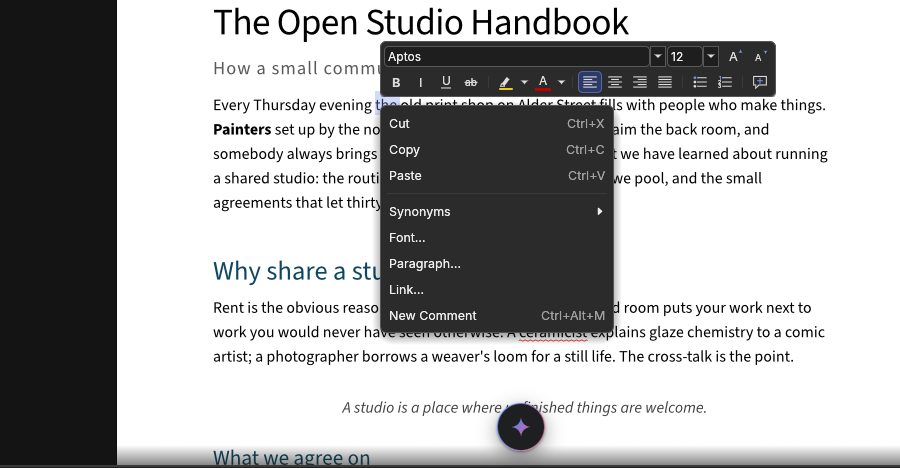
editor.selectionInfo();           // { collapsed, rect, contextual, touch, selected, scrolling, ... } in CSS pixels
editor.onSelection((info) => {}); // as the selection changes or moves; returns a function that stops listening
editor.setTouch(false);           // turn the page's touch gestures off (on by default)
editor.paragraphs();              // [{ path, text, style, styleName, heading }], tables included
editor.comments();                // [{ id, parent, author, date, resolved, text, quote, anchor }]
editor.selectText([3], 0, 12);    // select by paragraph path and UTF-16 offsets, and scroll to it
editor.setMarks([{ id, path, start, end, color, style: 'squiggle' }]);  // underline or highlight text
editor.followPeer('Ada Lovelace'); // keep a co-editor's caret in view (null stops)
editor.caret();                   // { anchor: { path, offset }, focus: { path, offset } } as paragraphs() counts
editor.selectedObject();          // the selected picture, chart or shape: { kind, alt, title }, or null
editor.destroy();
execute runs the same command registry that WordCraft's ribbon, keyboard shortcuts, CLI and MCP server use, so anything a user can do from the ribbon can also be scripted. Call editor.commands() for the full list, including each command's parameters.