Access levels
View, comment, suggest or edit, enforced by the editor and changeable live.
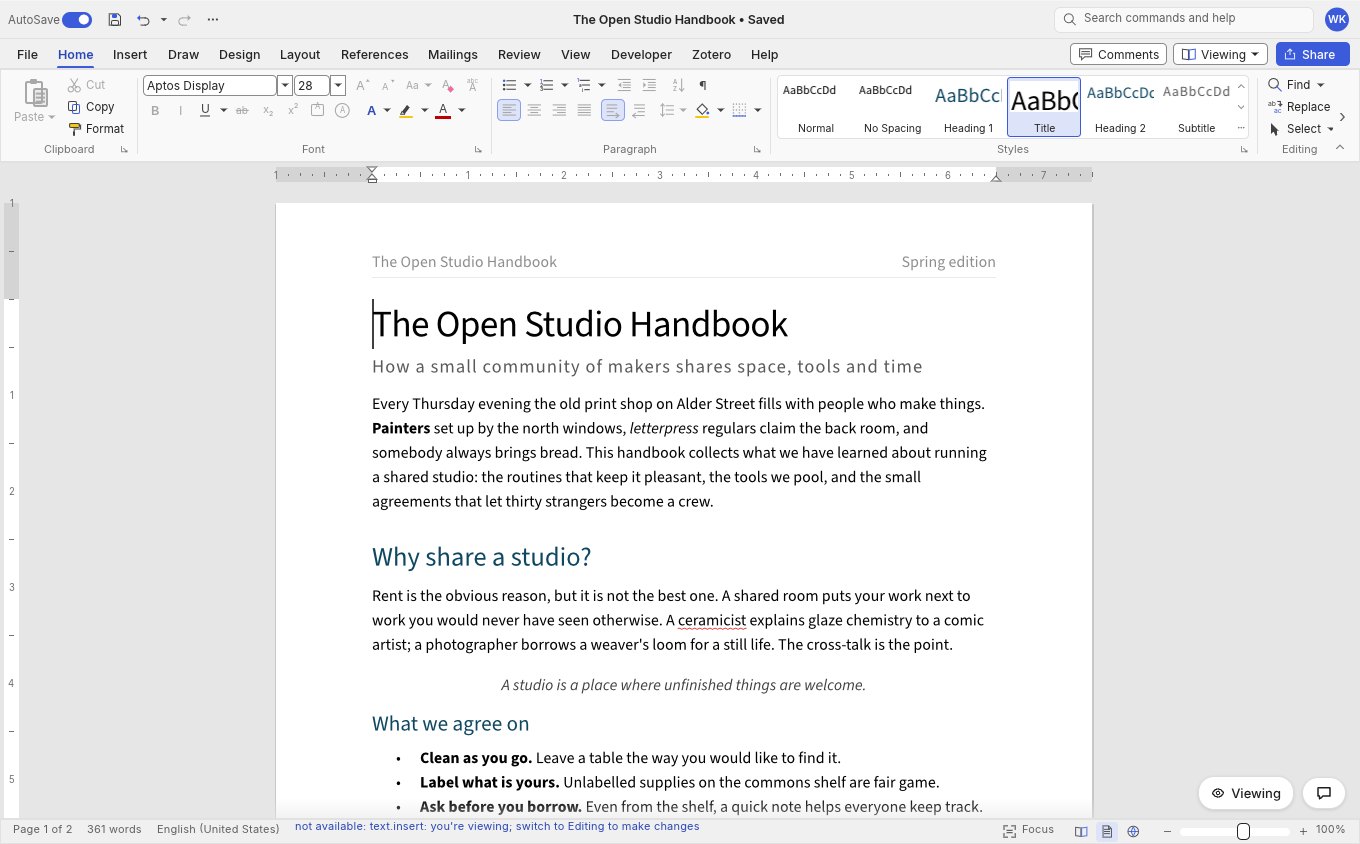
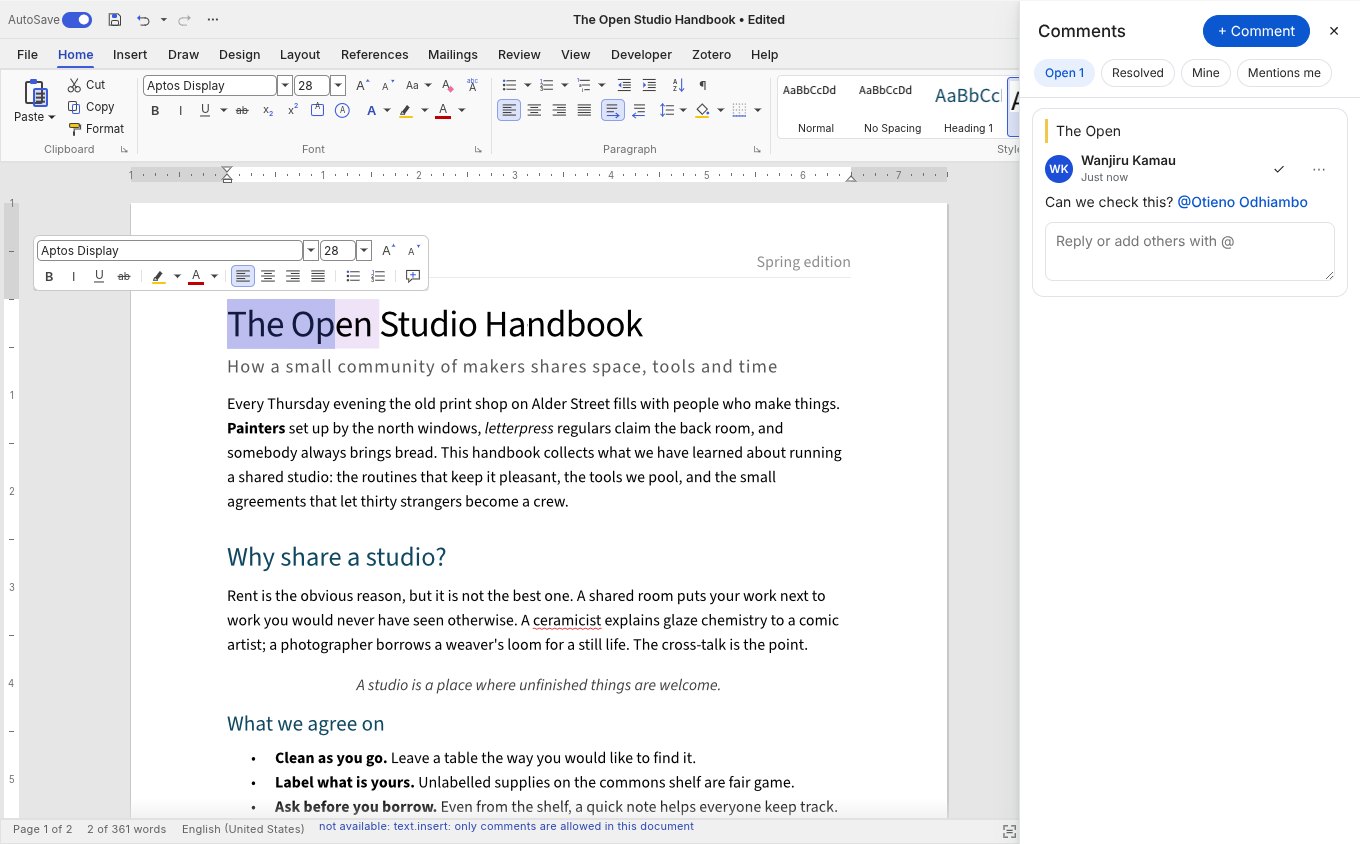
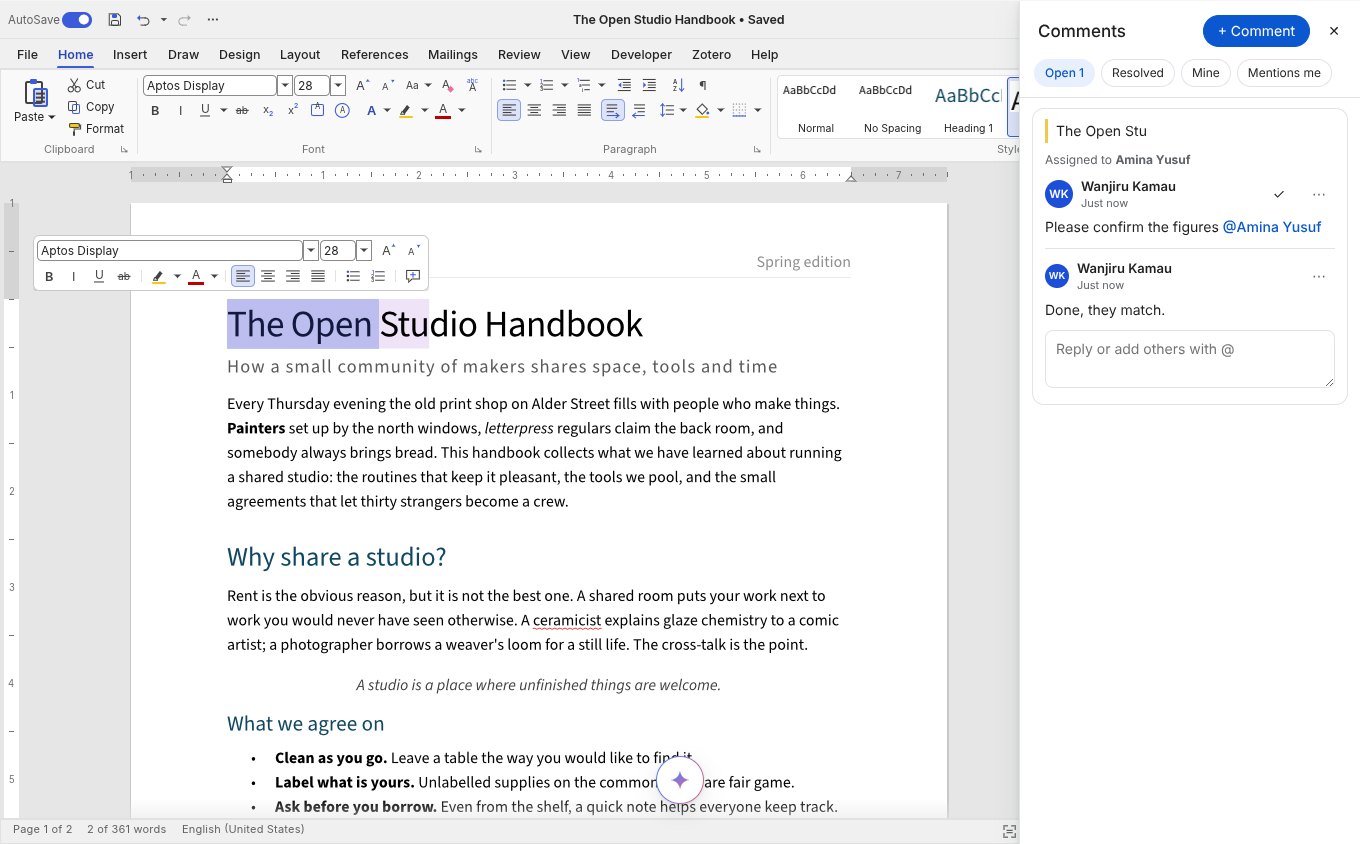
View, comment, suggest or edit, enforced by the editor itself and changeable while the document is open.
permission sets what a person may do, as Google Docs' link access does: 'view', 'comment', 'suggest' or 'edit' (the default). The editor enforces it, not only your buttons: typing, paste, drag and drop, AutoCorrect, find and replace and AI results all go through the same commands, and the commands refuse.
| Level | Can | Cannot |
|---|---|---|
view | Read, select, copy, print, export | Change anything; comments are read only (commentsVisibleToViewers={false} hides them) |
comment | Everything a viewer can, plus add, reply to and resolve comments | Change the text |
suggest | Edit, but every change is a tracked suggestion (the mode switch is locked to Reviewing) | Accept or reject changes, turn tracking off |
edit | Everything |
Change the prop at runtime and it applies at once; when it goes down, the person sees a short notice saying why. A chip at the bottom right says "Viewing", "Commenting" or "Suggesting". allowCopy={false} also stops viewers and commenters copying, printing and downloading. Underneath it uses WordCraft's Restrict Editing, so a saved .docx carries the same protection into Word.