Brand theme and logoExtra
A document theme from a logo or photo, and the logo placed where you want it.
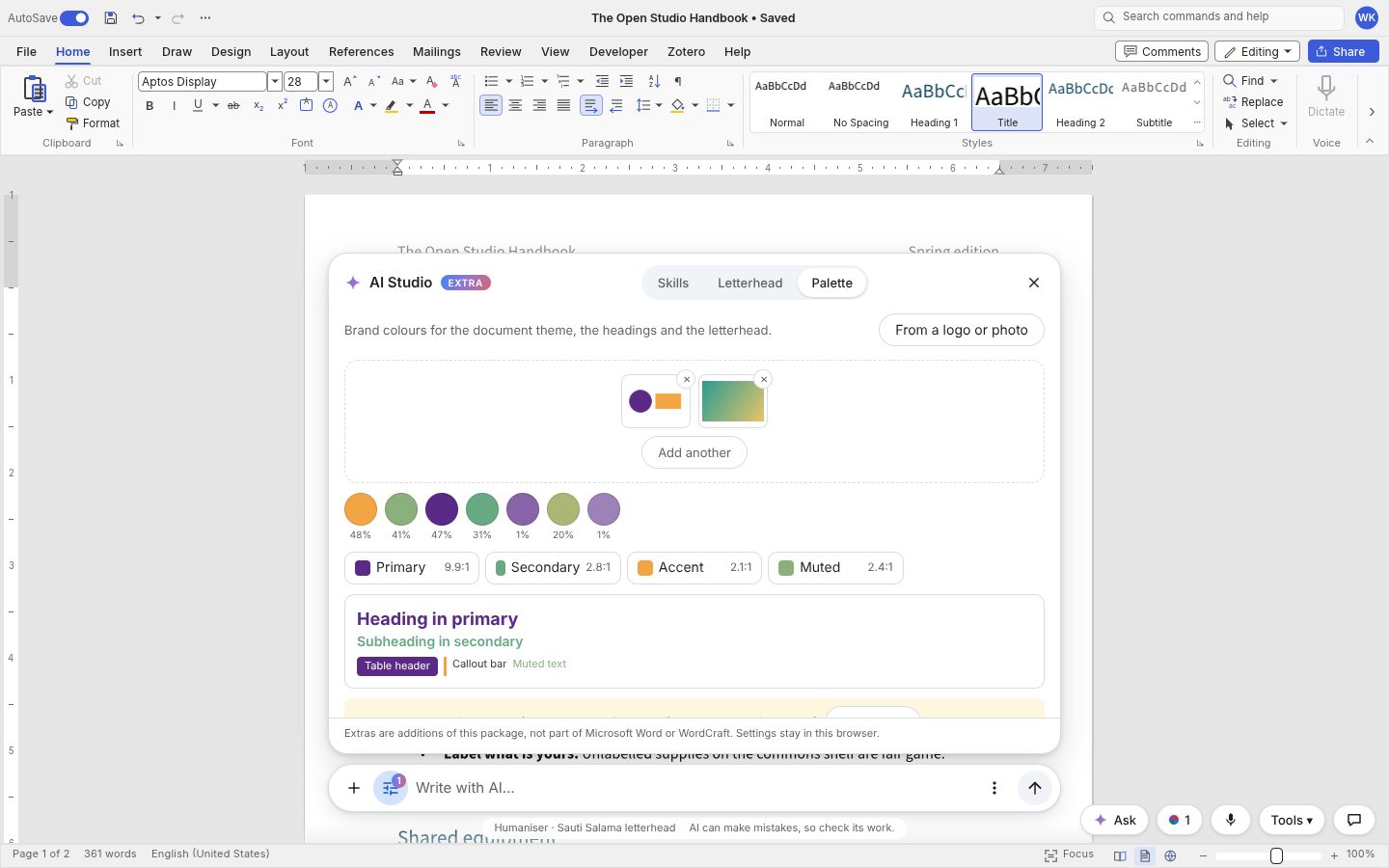
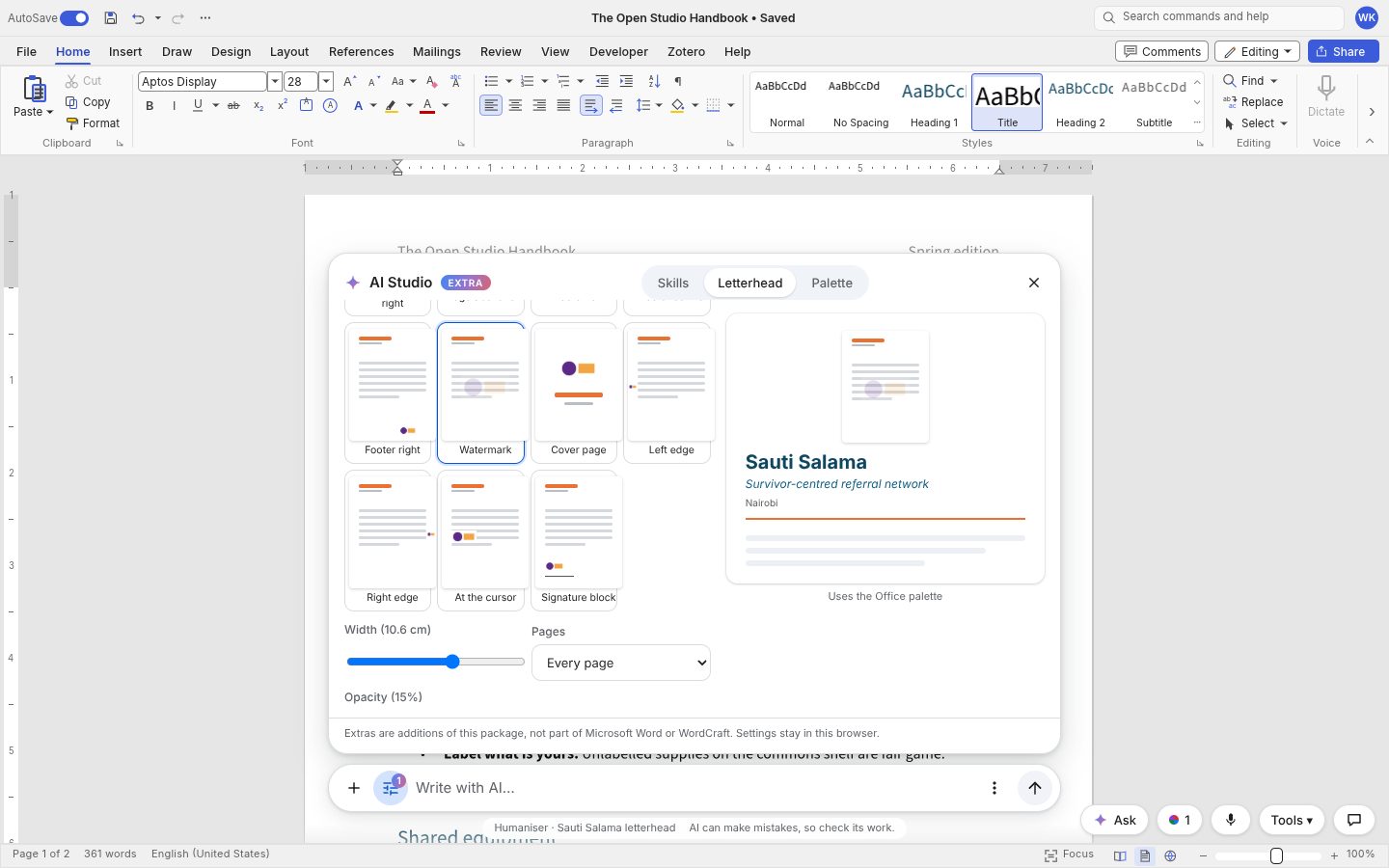
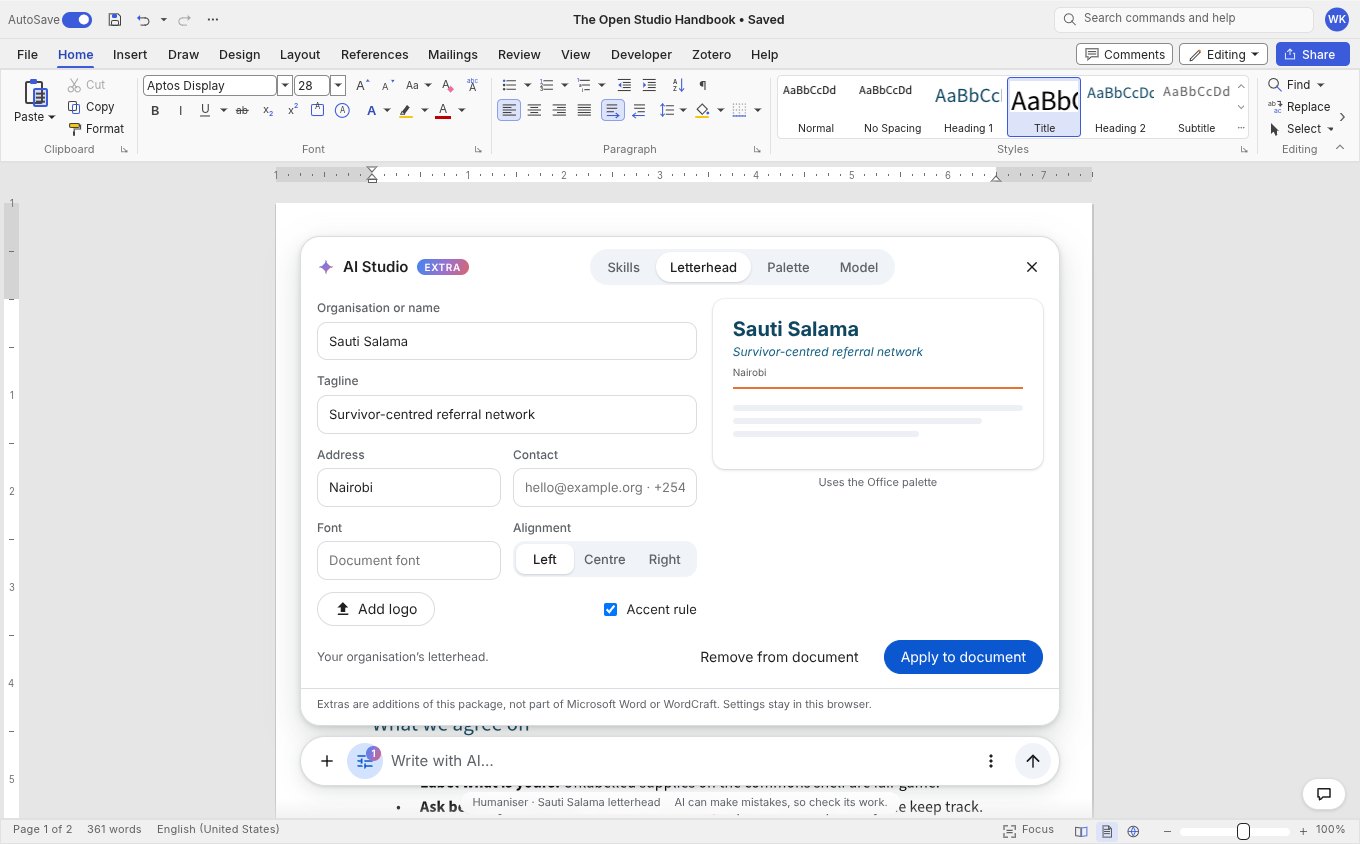
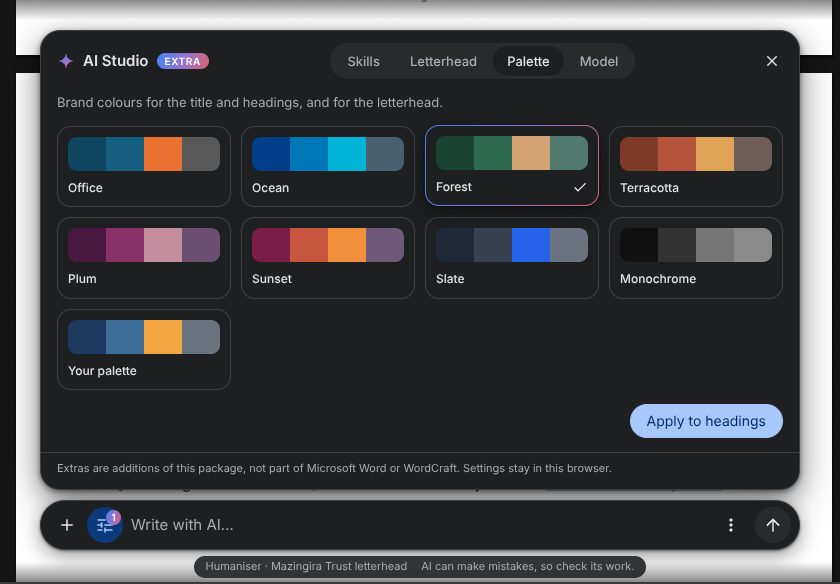
Pick a logo or a photo and get a palette written into the document theme, then put the logo in the header, the footer, behind the text or on a cover page.
A theme from a logo or photo. AI Studio › Palette › From a logo or photo takes pictures by upload, drag and drop, paste or your app's ai.pickImage(). The colours are found in the browser (shrunk to about 96 px, converted to Lab, transparent, near-white and near-black pixels skipped, k-means clusters merged and ranked by area and saturation; with several pictures, taken round-robin so a small logo is not drowned by a photo). Five to eight swatches show their share; roles (primary, secondary, accent, muted) are assigned automatically and changed by picking a role and then a swatch. A heading colour under 4.5:1 on the page gets a warning and a one-click fix; a dark variant is one tick away.
Apply to document writes the palette as the document theme (the colour scheme in word/theme/theme1.xml, which Word's Design › Colors shows) and recolours the styles that use it: title, headings, hyperlinks and quotes, and the tables and callouts the AI inserts. Optional theme fonts (ai.fonts = { heading, body }, or the fields in the panel) go to the theme's font scheme. Apply to headings only is the light option. Save palette keeps it (with its source, "from logo.png") and calls ai.onPaletteCreated(palette), so your app can store it for the whole organisation and pass it back in ai.palettes.
Logo placement. The letterhead's logo can be a LogoSpec: { src, placement, size, offset, opacity, rotation, wrap, pages, repeat }. Placements: header left, centre or right, logo beside the text (either side) or stacked above it, footer left, centre or right, a watermark behind the text (opacity 5 to 40 percent, straight or diagonal, optionally repeated), a cover page, a side edge strip, at the cursor, or a signature block. pages is all, first (Different First Page), odd or even (Different Odd & Even Pages). Partner logos (partners: [dataUrl…]) go in one evenly spaced row. A live mini page in AI Studio shows each preset. Pictures are trimmed of transparent margins, SVG becomes PNG, and opacity and rotation are baked into the picture so Word, Google Docs and LibreOffice show the same thing. Applying again replaces what was there; Remove clears the headers, footers and watermark it wrote. A plain logo string keeps working (above the text, aligned with it).
<WordcraftEditor
  ai={{
    complete,
    brand: { name: 'Sauti Salama', logo: logoDataUrl, palette: brandPalette },   // shorthand
    letterhead: { name: 'Sauti Salama', logo: { src: logoDataUrl, placement: 'header-logo-left-text-right', pages: 'all' } },
    onLogoChanged: (logo) => save(logo),
    onPaletteCreated: (palette) => saveForOrganisation(palette),
  }}
/>