Co-editingExtra
Several people in one document at once, with live cursors and per-person undo.
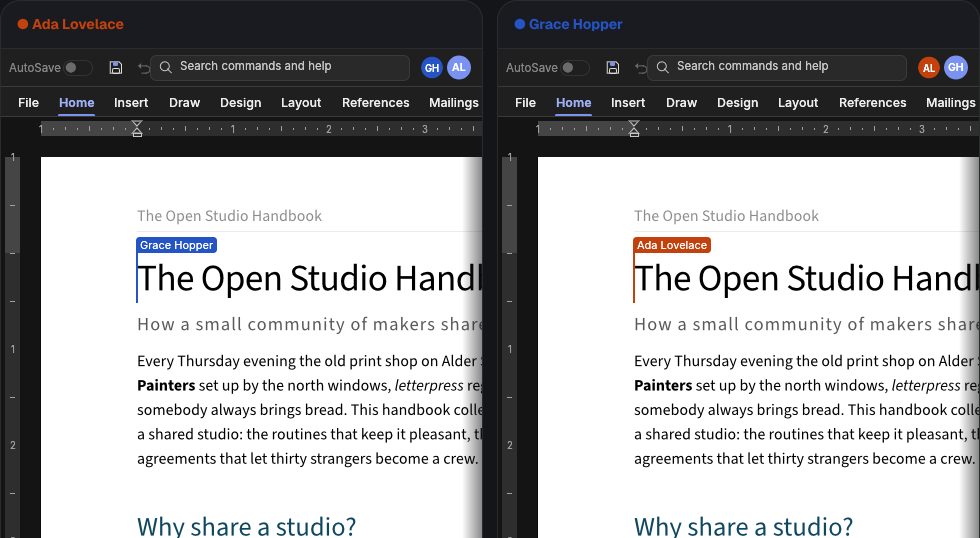
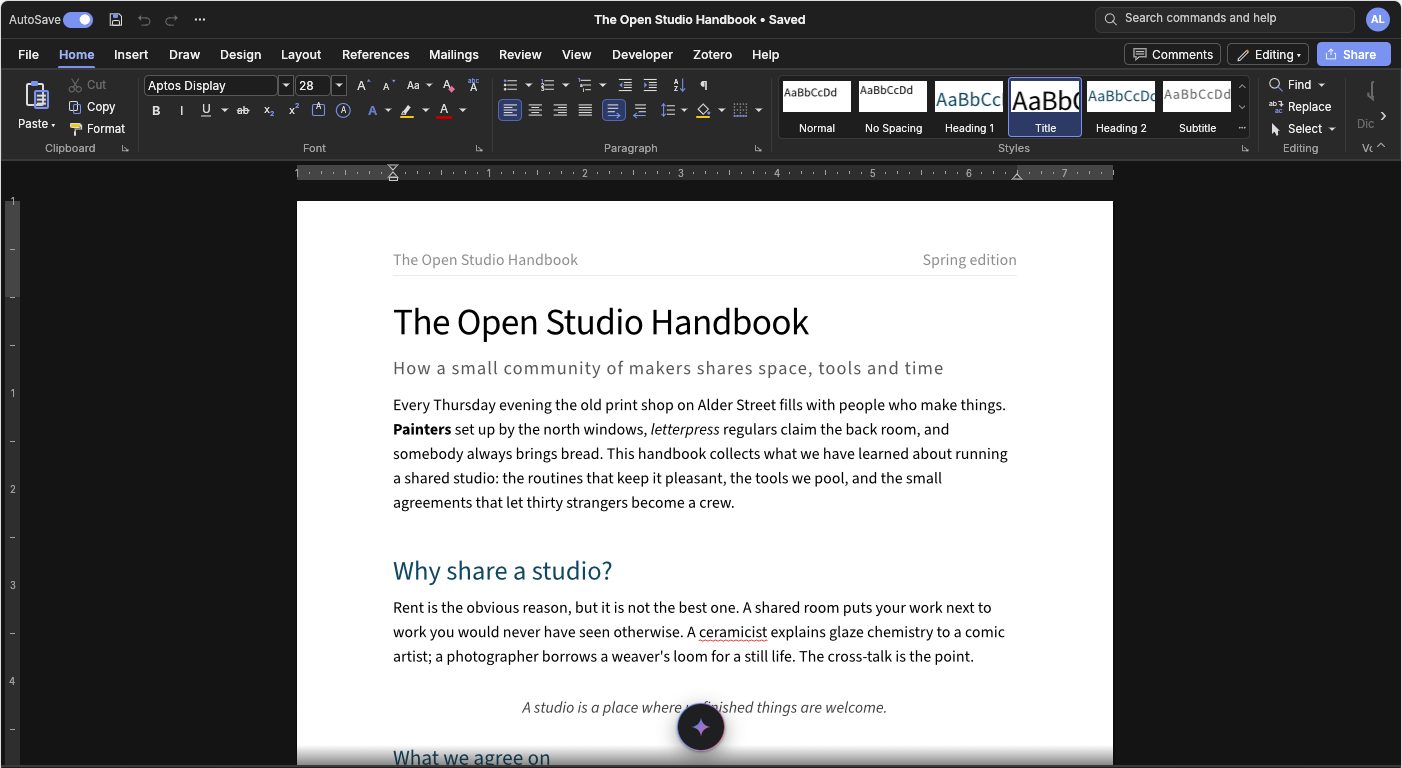
Two people in one document. Words, formatting and cursors appear for both, and each person’s Undo takes back only their own edits.
Several people can edit one document at once, the way Word's co-authoring works:
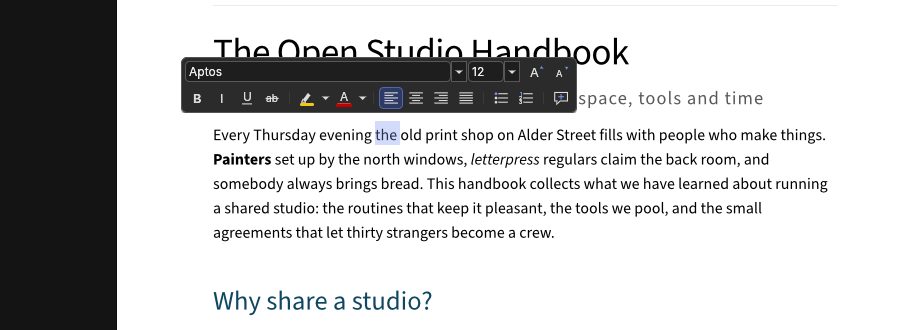
- Merging. Changes merge as people type, down to the character. Two people typing in the same paragraph both keep their words. Formatting merges property by property, so one person's bold and another's italics on the same word both stick.
- Structure. Paragraph splits, tables, headers, footers, notes, comments, pictures and document settings are all shared.
- Undo. Ctrl+Z and the Undo button take back only your own changes, not other people's.
- Presence. Everyone else's cursor and selection show on the page in their colour with a name flag, and their avatars appear in the title bar and at the bottom right, overlapping with a
+ncounter. An avatar's tooltip says whether they are editing or viewing; after a minute without activity it dims. Click one to follow that person (their caret stays in view until you scroll yourself). Someone who joins without a name shows as "Anonymous" and an animal. - Saving. AutoSave writes the merged document over the one shared file, so nobody's save overwrites anyone else's work. Turn on
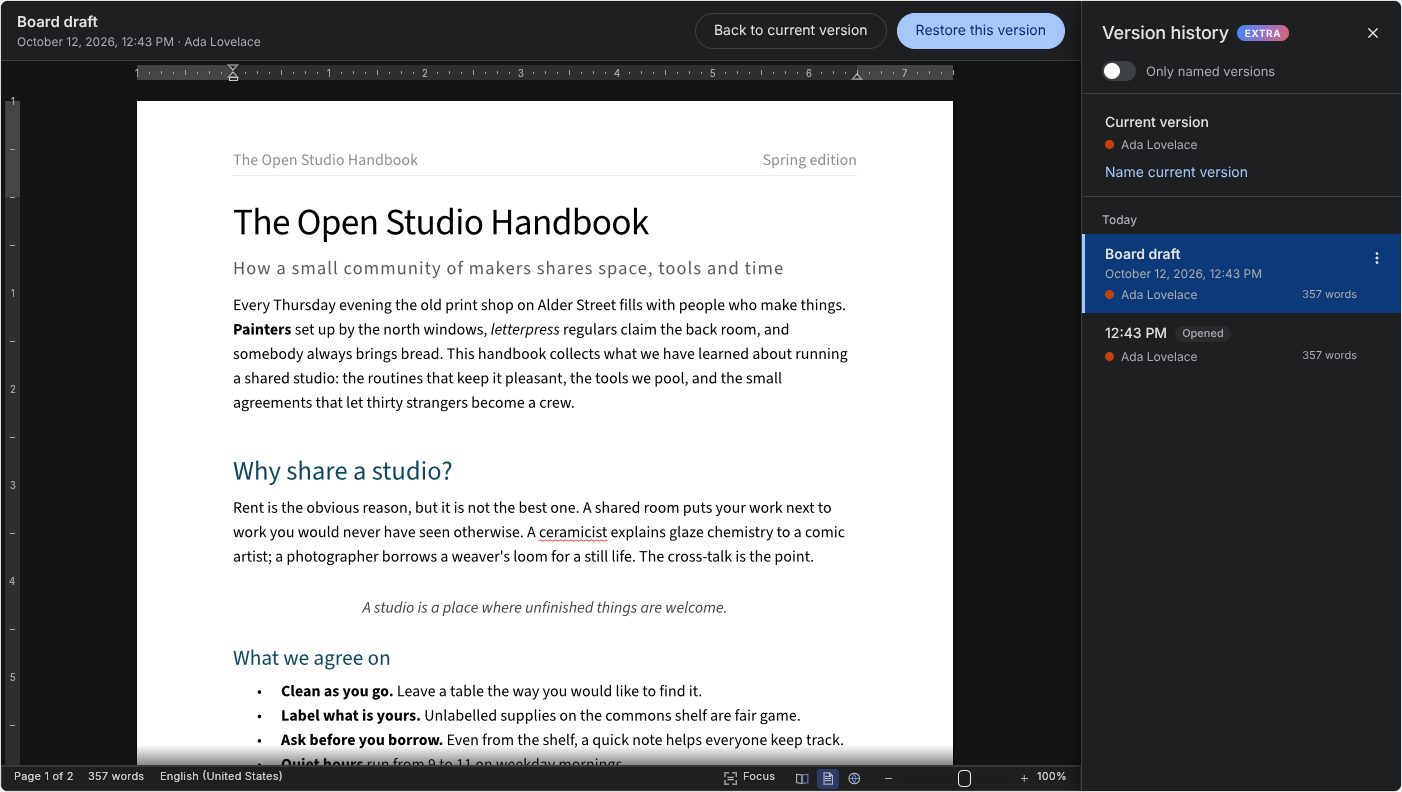
versionHistorywith a server store to keep earlier versions everyone can see.
It runs on Yjs, so any Yjs provider can carry it: y-websocket, Hocuspocus, Liveblocks, PartyKit, y-webrtc, or your own. Install yjs and a provider, then:
'use client';
import { useEffect, useMemo } from 'react';
import * as Y from 'yjs';
import { WebsocketProvider } from 'y-websocket';
import { WordcraftEditor } from '@gamine/wordcraft-react';
import { yjsCollaboration } from '@gamine/wordcraft-react/collab';

export function SharedEditor({ docId, me }: { docId: string; me: { name: string; color: string } }) {
  const collab = useMemo(() => {
    const doc = new Y.Doc();
    const provider = new WebsocketProvider('wss://collab.example.com', docId, doc);
    return { provider, collaboration: yjsCollaboration({ doc, provider }) };
  }, [docId]);
  useEffect(() => () => collab.provider.destroy(), [collab]);

  return (
    <WordcraftEditor
      user={me}
      collaboration={collab.collaboration}
      onSave={(file) => fetch(`/api/documents/${docId}`, { method: 'PUT', body: file.blob })}
    />
  );
}
For your own header, yjsCollaboration({ ..., onPresenceChange: (users) => ... }) reports everyone as { name, color, avatarUrl, state, idle, self, anonymous }, and <PresenceAvatars users={users} onFollow={(name) => editor.followPeer(name)} /> draws them the same way. Pass user.avatarUrl for pictures; presence={false} hides the bottom-right row.
The first person to open a document shares whatever the editor has open (pass the stored file as document). Everyone who joins later gets the live shared document instead. yjsCollaboration waits for the provider's first sync before joining, so a document is never put in twice. examples/nextjs/app/collab is a complete page with a shared-file API that keeps the last 20 versions. Run npm run collab-server next to npm run dev and open /collab in two windows to try it.