Writing checksExtra
Grammarly-style underlines, readability and tone, with engines you choose.
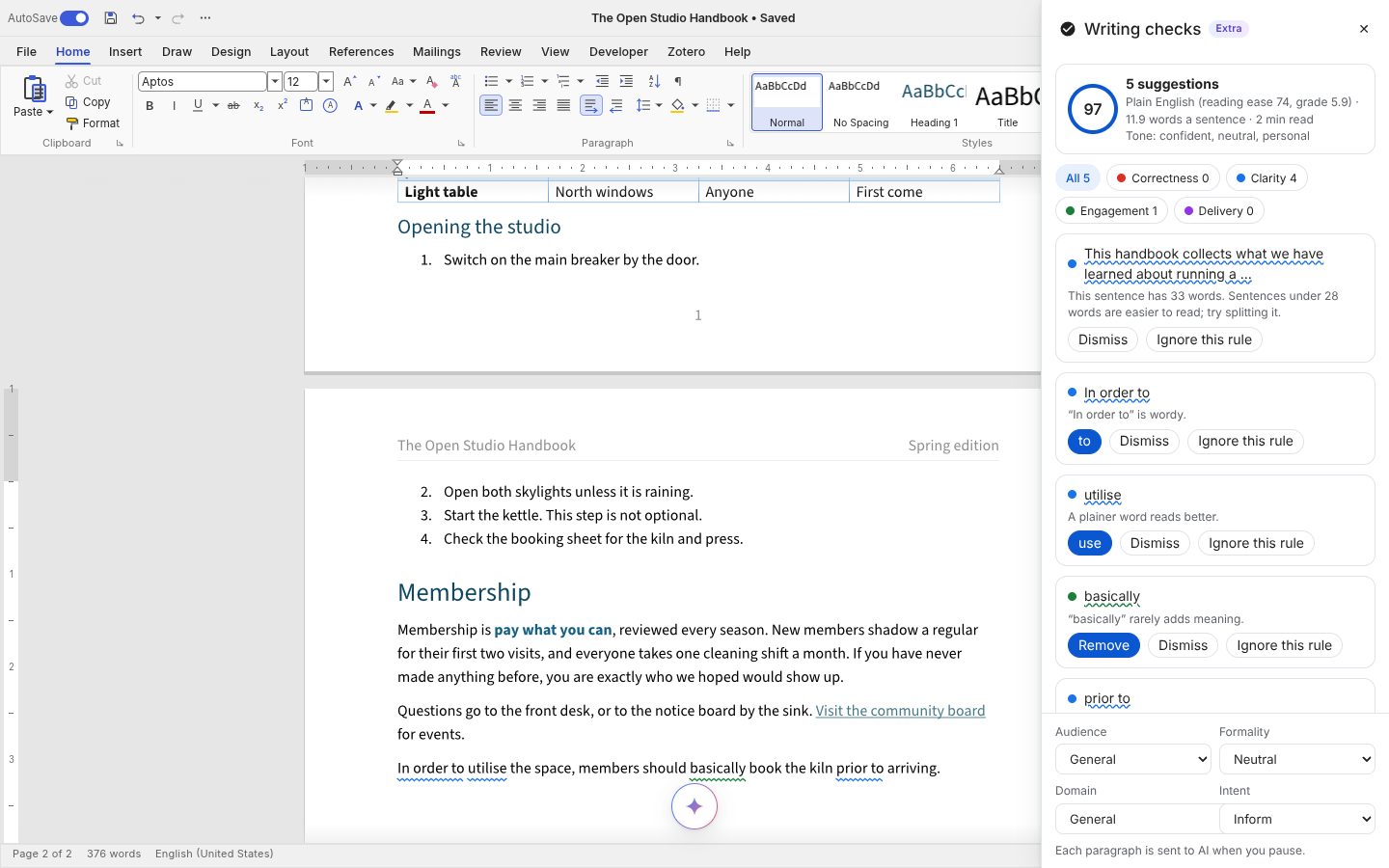
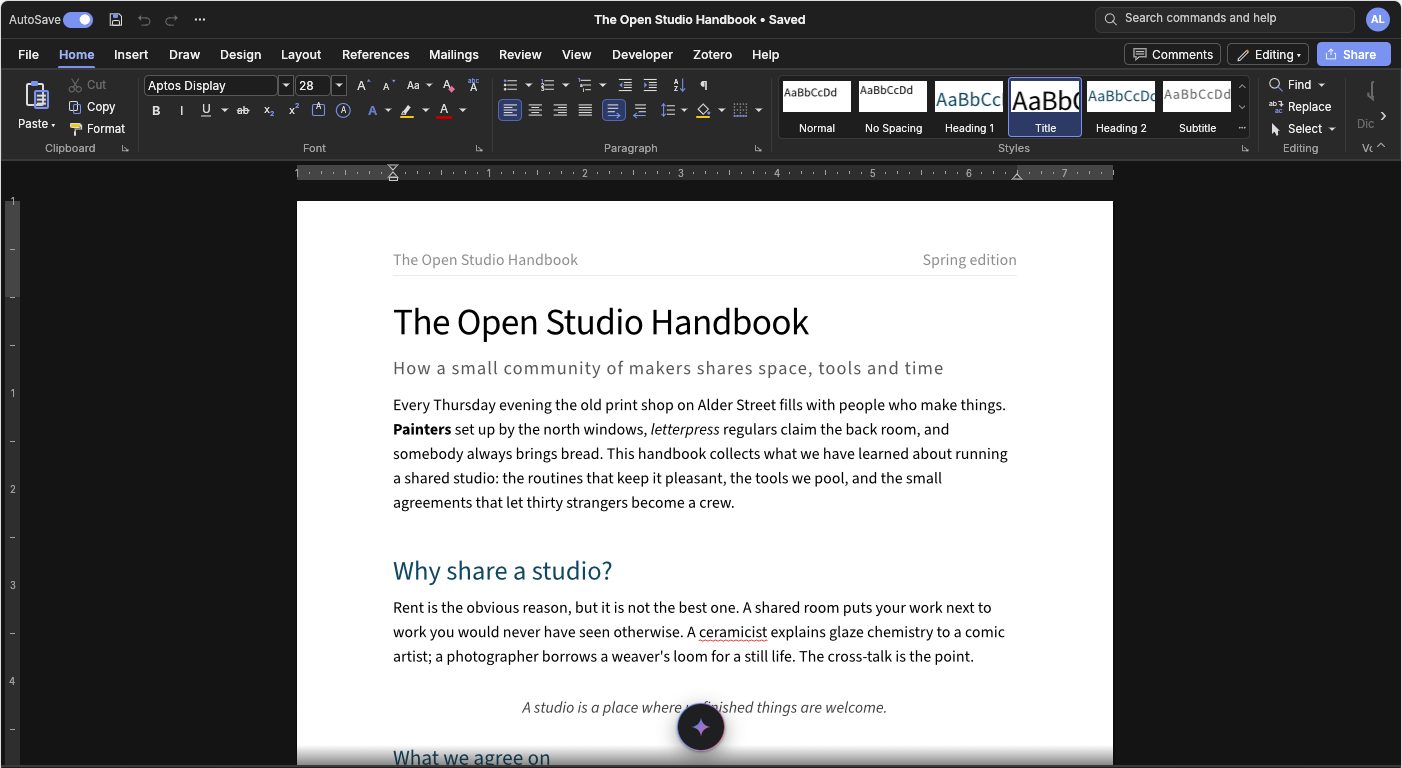
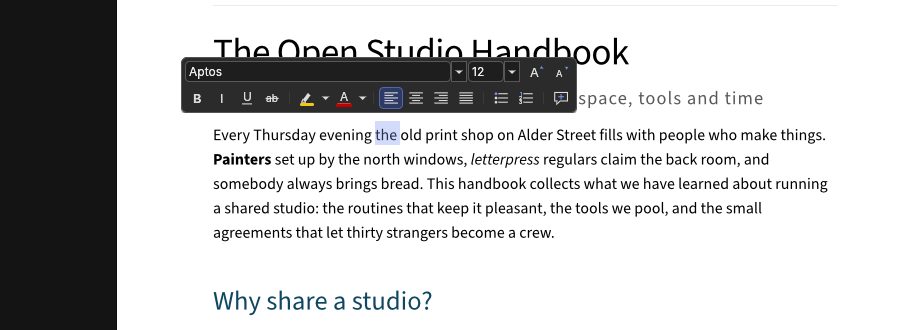
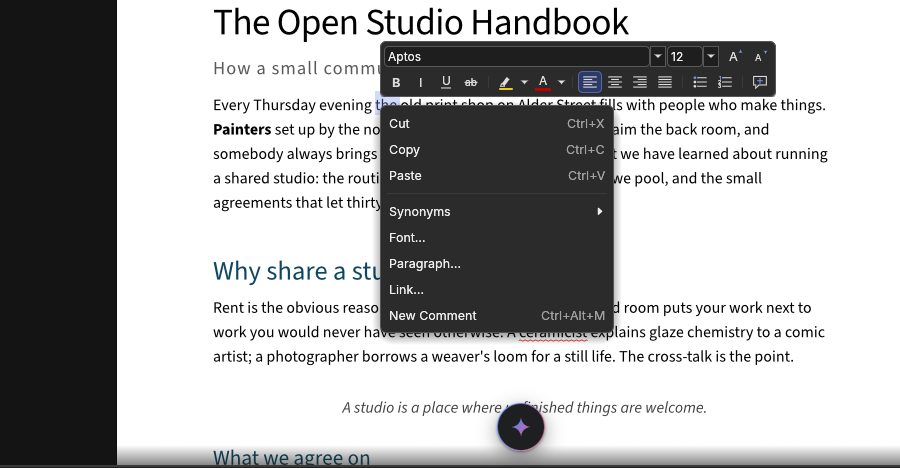
Underlines by category with one-click fixes, readability and tone, through engines you choose; the default runs in the browser.
checks (or ai.checker) turns on writing checks in the manner of Grammarly: coloured underlines by category (correctness red, clarity blue, engagement green, delivery purple), a card at the caret with the explanation, one-click fixes, Dismiss, Ignore this rule and Add to dictionary, and a panel with every issue by category, a score, readability (Flesch reading ease and grade, sentence length, reading time) and a tone read-out ("confident, formal"). Goals (audience, formality, domain including plain language for public information, intent) change which rules and AI instructions apply.
Paragraphs are checked after the person pauses (never per keystroke), one at a time, cached by their text; nothing is checked or sent in Viewing mode or in a sensitive document. A failing engine never affects typing or saving.
Engines plug in through Checker ({ name, remote?, check(text, ctx) → Issue[] }):
plainLanguageChecker()(the default): long sentences, wordy phrases, jargon, passive voice, filler, repeated words. It runs in the browser; nothing is sent.languageTool({ url }): LanguageTool (open source, LGPL core) on your own server,POST /v2/check, 25+ languages.llmChecker(complete): clarity, tone and rewrites through your AI (action: 'check').
Grammarly's Text Editor SDK closed in January 2024, so there is no Grammarly adapter; any other service fits the Checker contract.
<WordcraftEditor checks={{ checkers: [plainLanguageChecker(), languageTool({ url: 'https://lt.example.org' })], goals: { domain: 'plain' } }} />