CommentsExtra
Threads, mentions, Assign to and a comment store, in the Google Docs style.
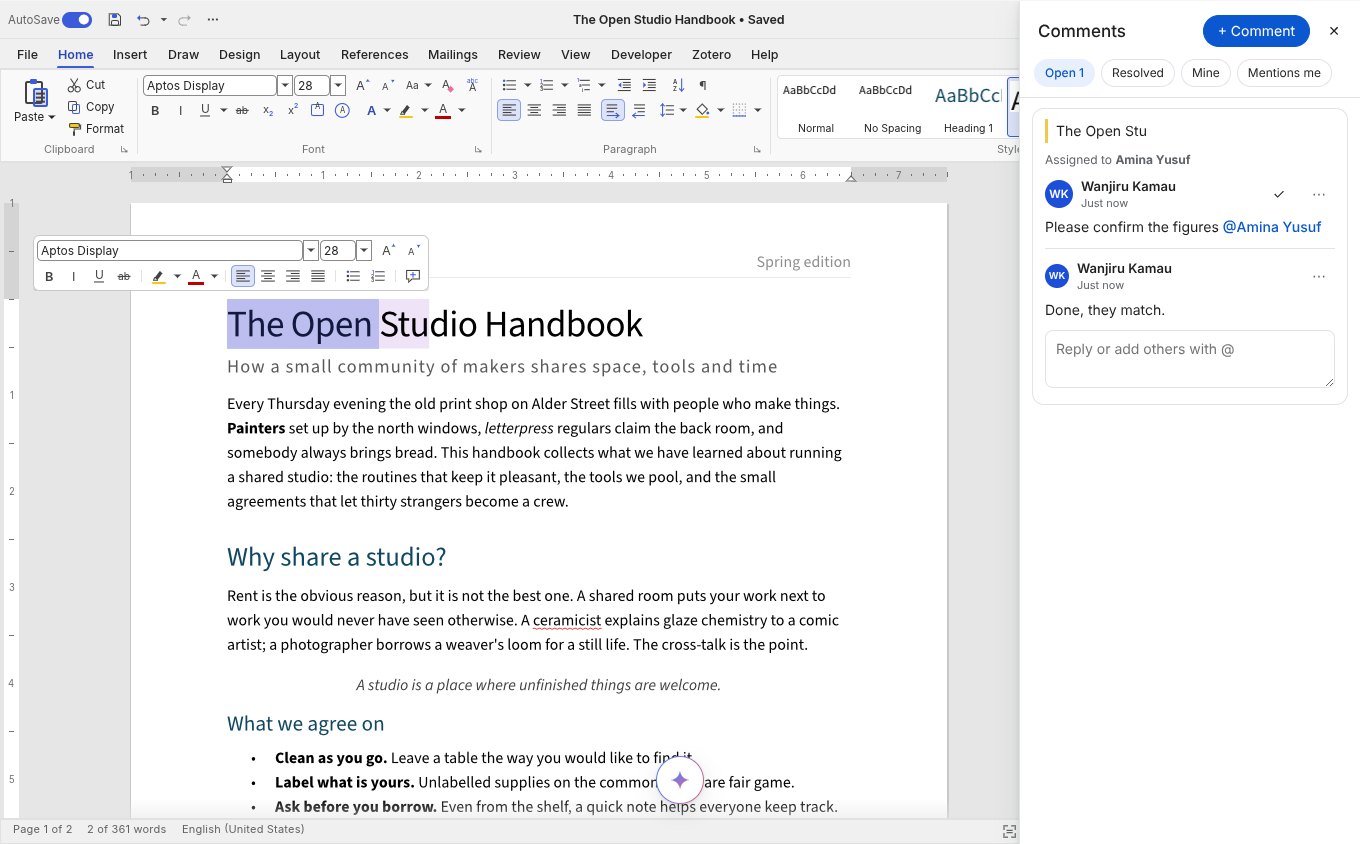
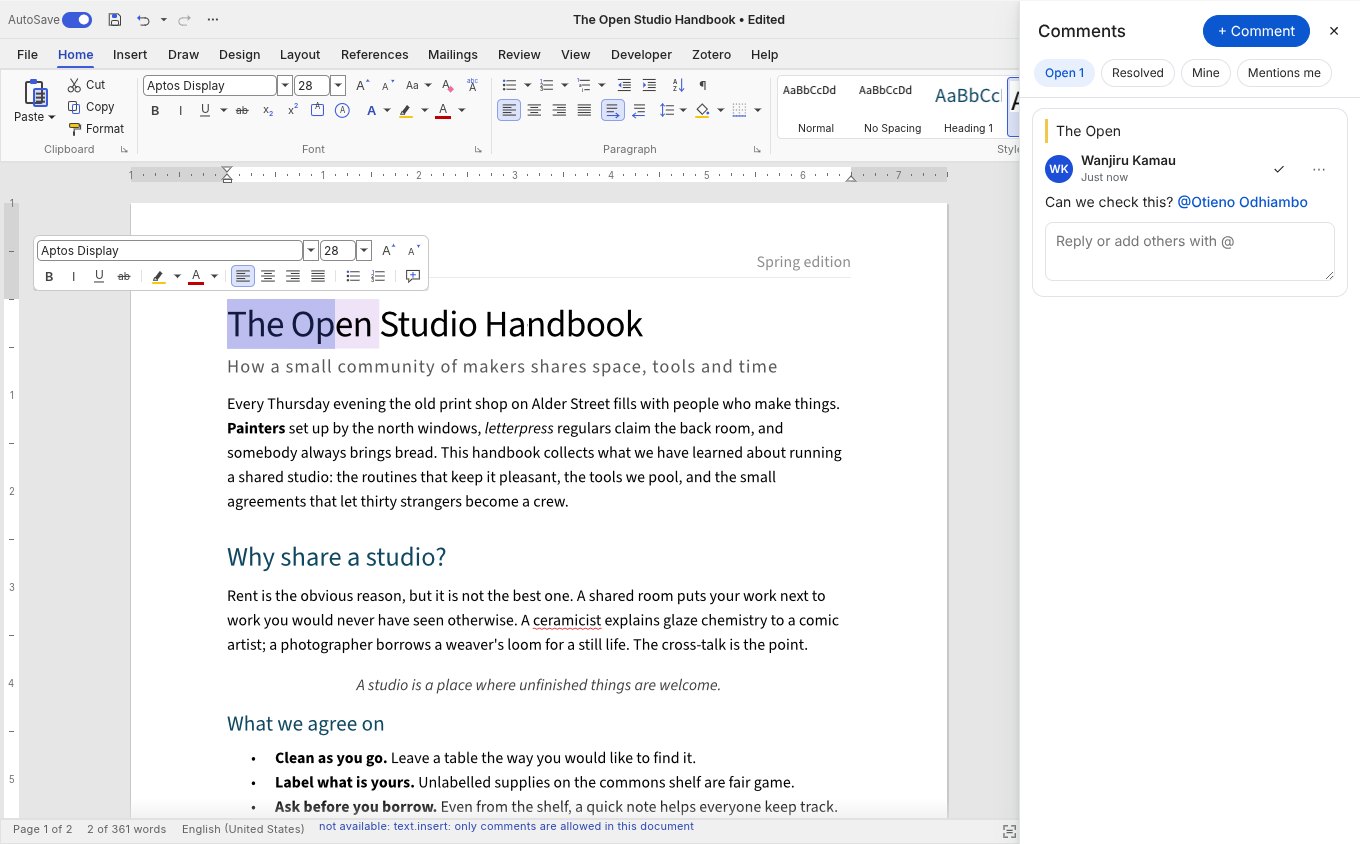
Threads with filters, @mentions and Assign to, on top of WordCraft’s own Word-style comments; your store hears every change.
WordCraft keeps comments in the document, Word style: a highlighted range with a card in the margin, threads, resolve, and a round trip through word/comments.xml and commentsExtended.xml, so threads, authors and resolved state survive Word and Google Docs. comments adds what a web app needs around them:
<WordcraftEditor
  comments={{
    people: team,                                  // offered after @ (or a search function)
    store: { create, reply, update, resolve, remove, subscribe },   // every change, for your server
    onMention: ({ comment, people, assignee }) => notify(people, comment),
  }}
/>
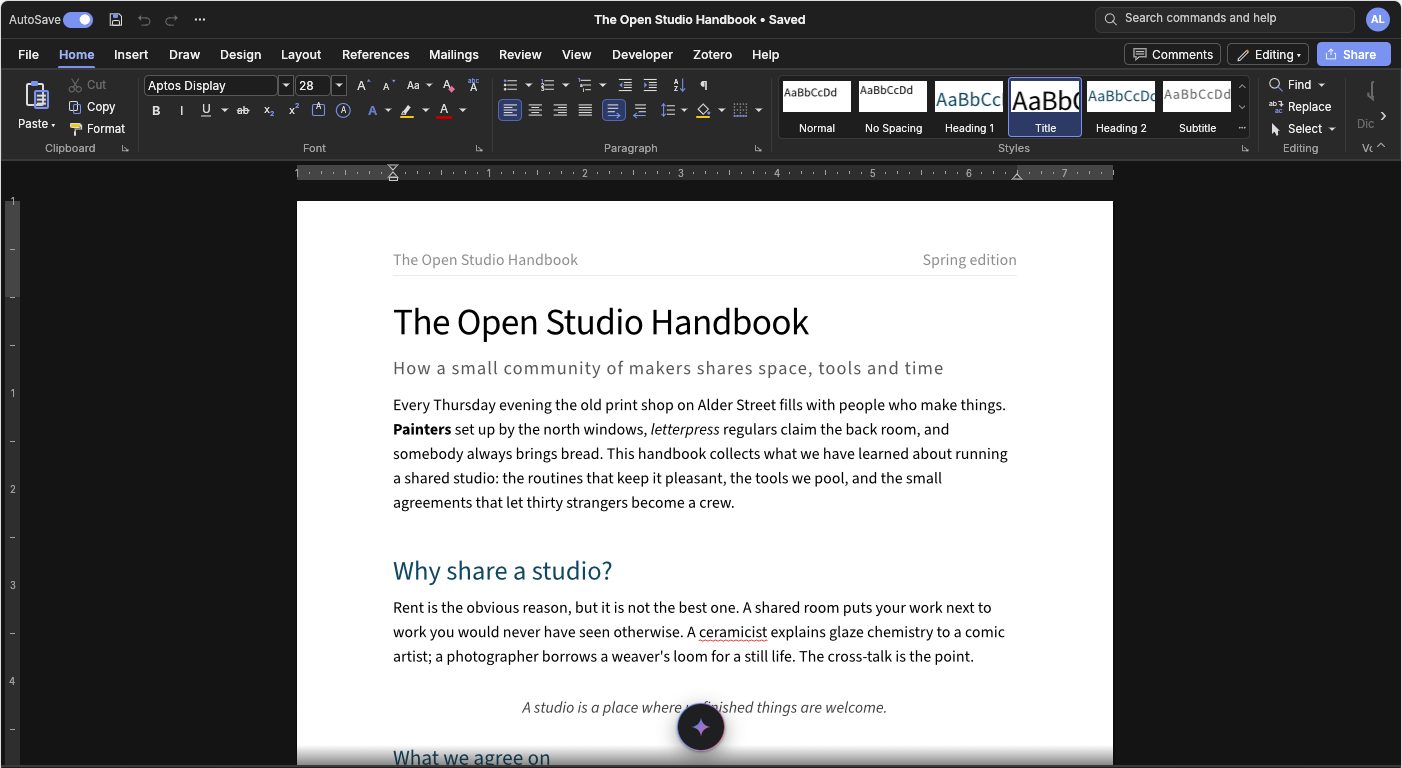
- The panel. A comments button at the bottom right opens every thread, with filters for Open, Resolved, Mine and Mentions me, and by author. Click a quote to go to its text. Add a comment on the selection, reply,
@mentionwith a people picker, Assign to the first person mentioned, Resolve and Reopen, and edit or delete your own. New comments are announced to screen readers, and on a phone the panel is a sheet over the page. - The store. Every method is optional and may return a promise; a failing store never stops anyone commenting.
subscribe(listener)applies comments made elsewhere (an email reply, another app) to the open document. With co-editing, other people's comments arrive by themselves. - Shortcuts and menus. WordCraft's own New Comment (Review tab, right-click menu, mini toolbar, Ctrl+Alt+M) and margin cards work as before, and the store hears those comments too.
- Suggestions. The
suggestlevel (or Word's Reviewing mode) records edits as tracked changes with their author; accept and reject them from the Review tab.
editor.comments() lists the comments with their anchors, and editor.selectText(path, start, end) goes to one. commentsOpen and onCommentsOpenChange control the panel.