Fonts
The Google Fonts library in the font box, previewed in each face.
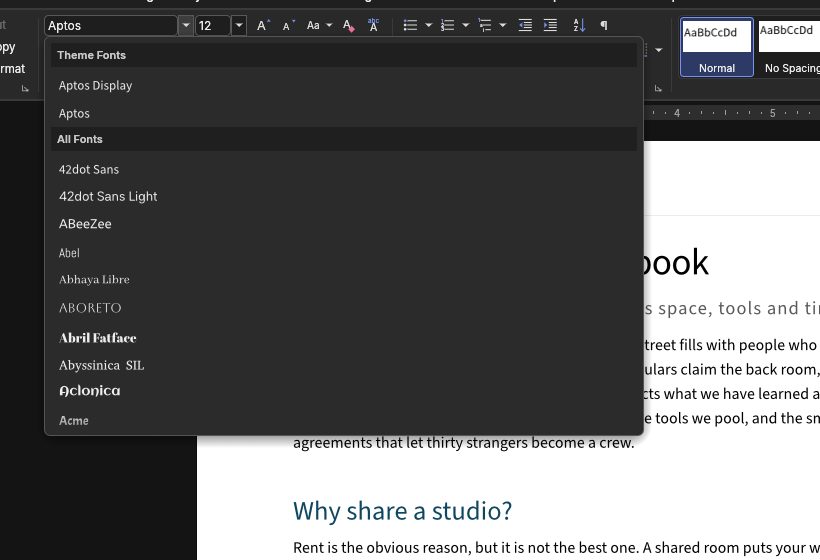
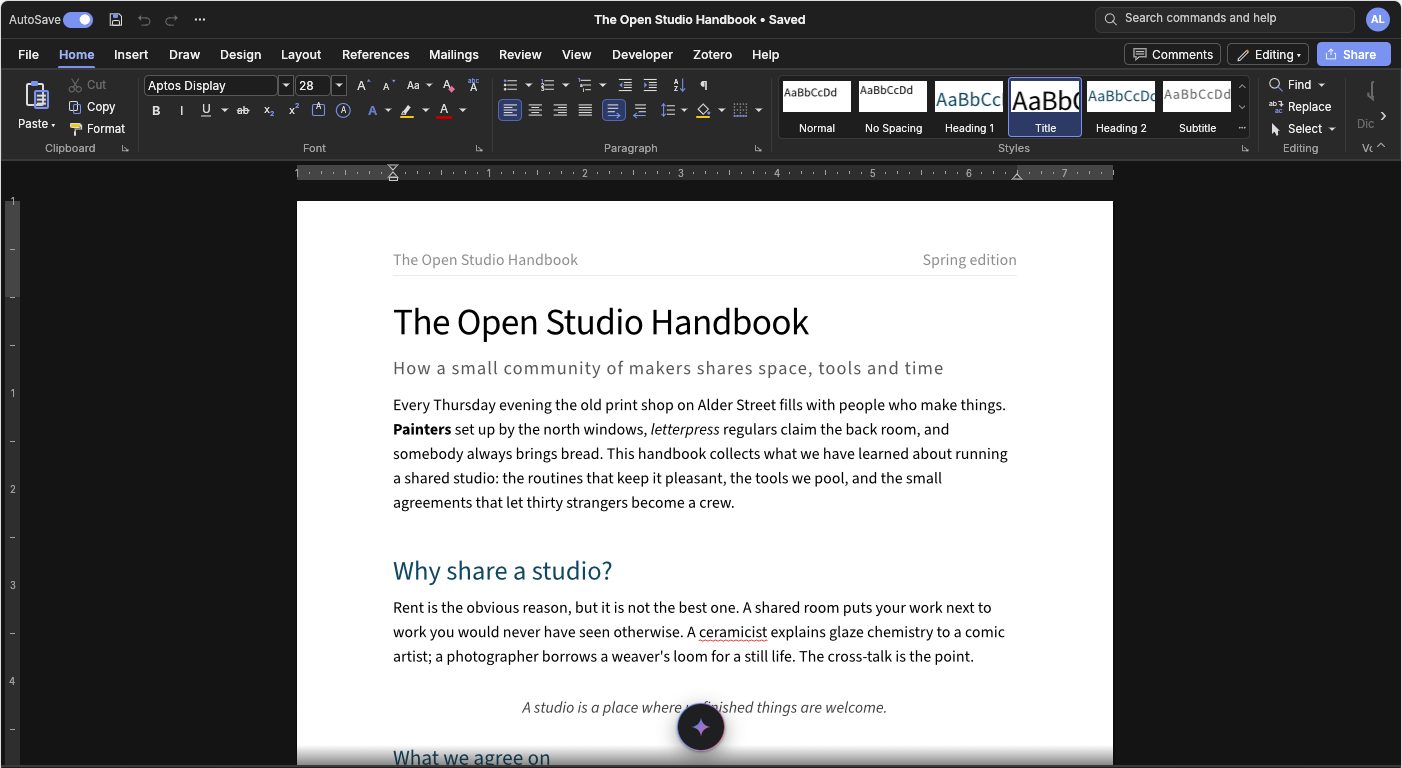
The Google Fonts library sits in the font box with Theme and Recently Used fonts, each name shown in its own face.
The browser build bundles a handful of fonts, so the font box also offers fonts on demand, the way Word offers cloud fonts. By default that's the Google Fonts library (about 1,970 openly licensed families). A font downloads from the Fontsource CDN the first time someone picks it, or when an opened document uses it. The font box lists Theme Fonts, Recently Used Fonts and All Fonts, as Word does, shows each name in its own font, and remembers recently used fonts in the browser. To preview a web font it fetches just its regular face, and only for the rows on screen.
import { googleFonts } from '@gamine/wordcraft-react';
<WordcraftEditor fonts={googleFonts({ categories: ['serif', 'sans-serif'] })} />   // a narrower list
<WordcraftEditor fonts={{ families: () => ['Brand Sans'], load: async () => [await (await fetch('/fonts/brand.ttf')).arrayBuffer()].map((b) => new Uint8Array(b)) }} />
<WordcraftEditor fonts={false} />                                                    // built-in fonts only